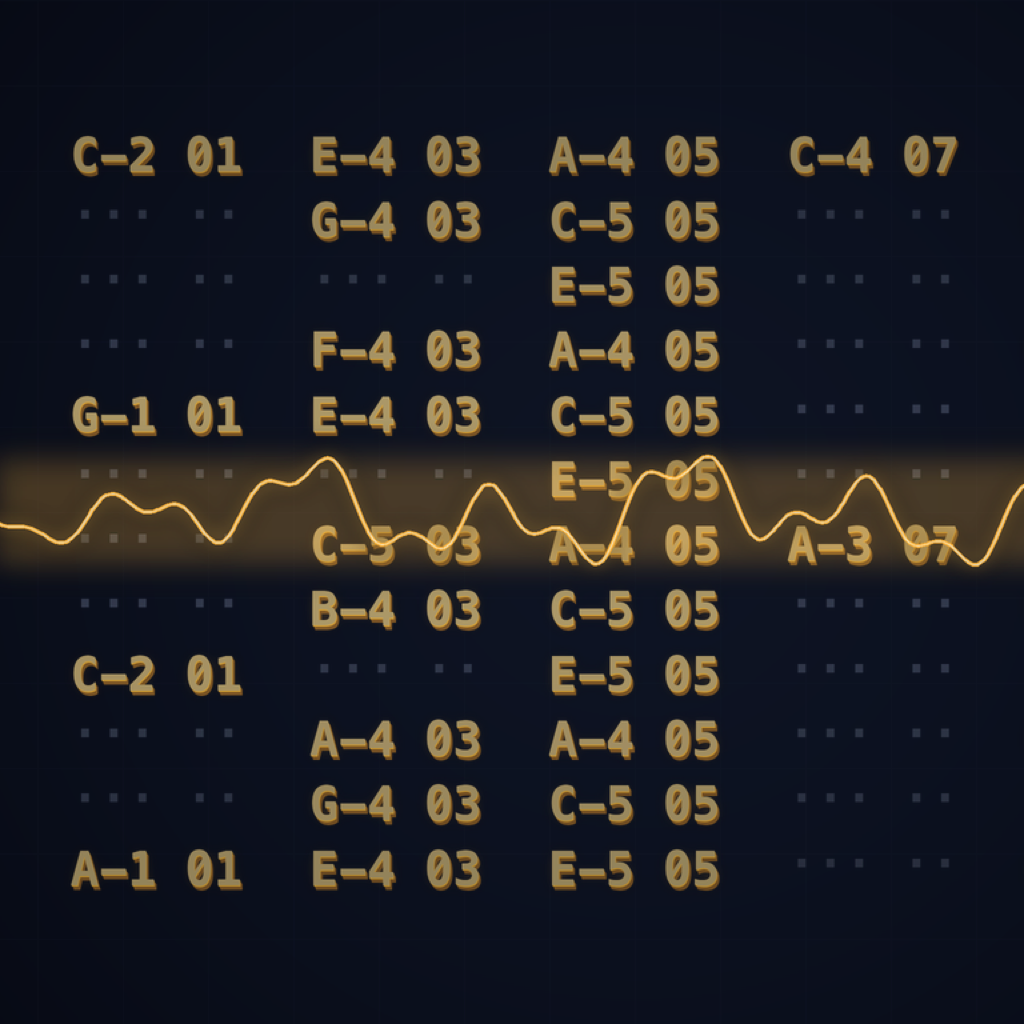
Tracker modules and chiptunes on Apple TV, played from your network shares or imported from your computer or phone.
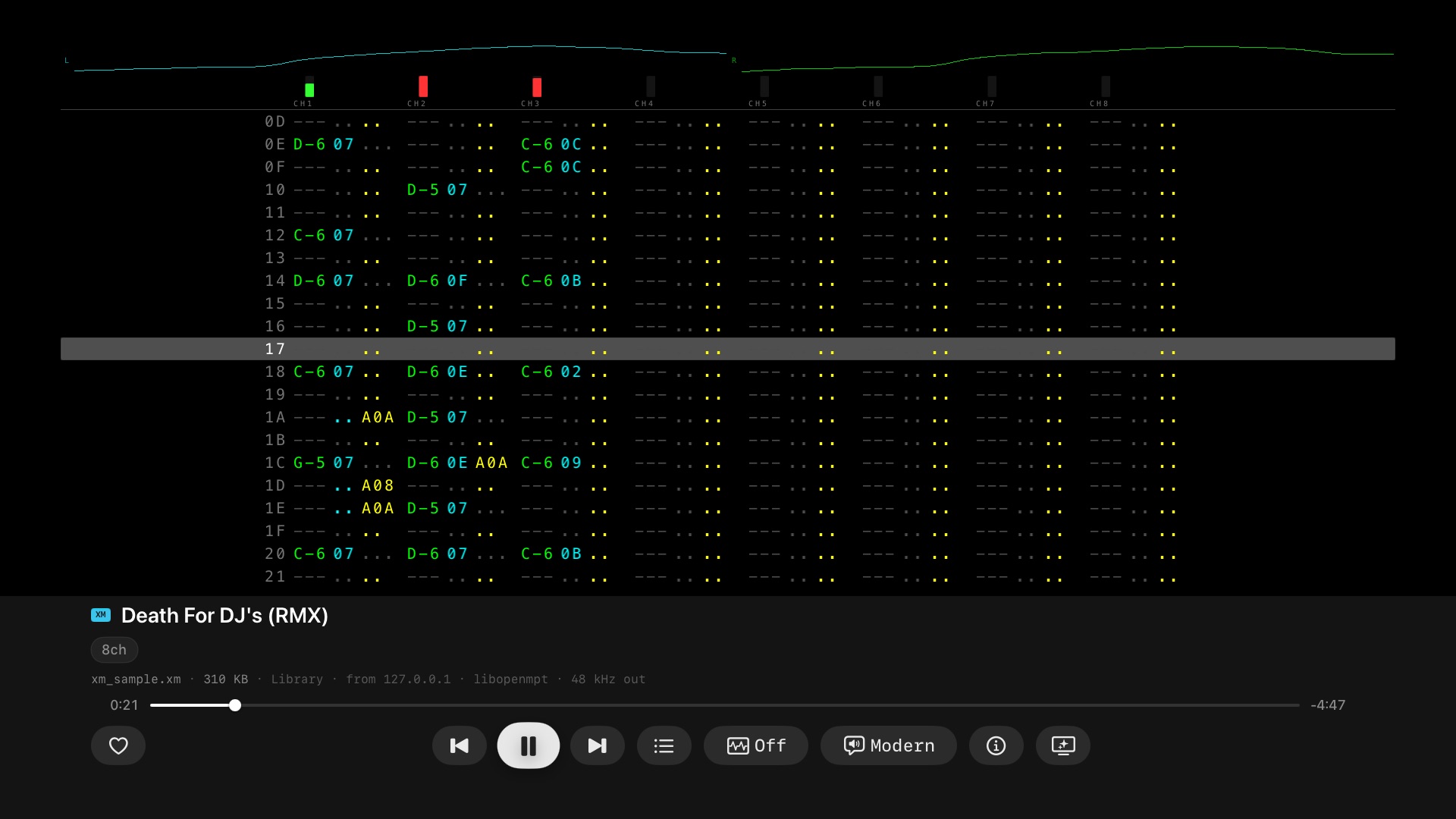
ModPlayerTV plays the music of the Amiga demoscene, the PC tracker era and the classic game consoles and home computers on Apple TV. Point it at a folder on your NAS or computer and play straight from the share, or send whole folders of tunes from a computer or phone into a library that follows you through your own iCloud. More than 30 playback engines run on the Apple TV itself, among them libopenmpt, libxmp, UADE, libsidplayfp and Game Music Emu, so each format is played by an engine written to play it authentically. While a tracker module plays, its pattern scrolls past in a flurry of nostalgia.
Made for the remote and the room: a sidebar, big type, and the highlight always where you expect it.
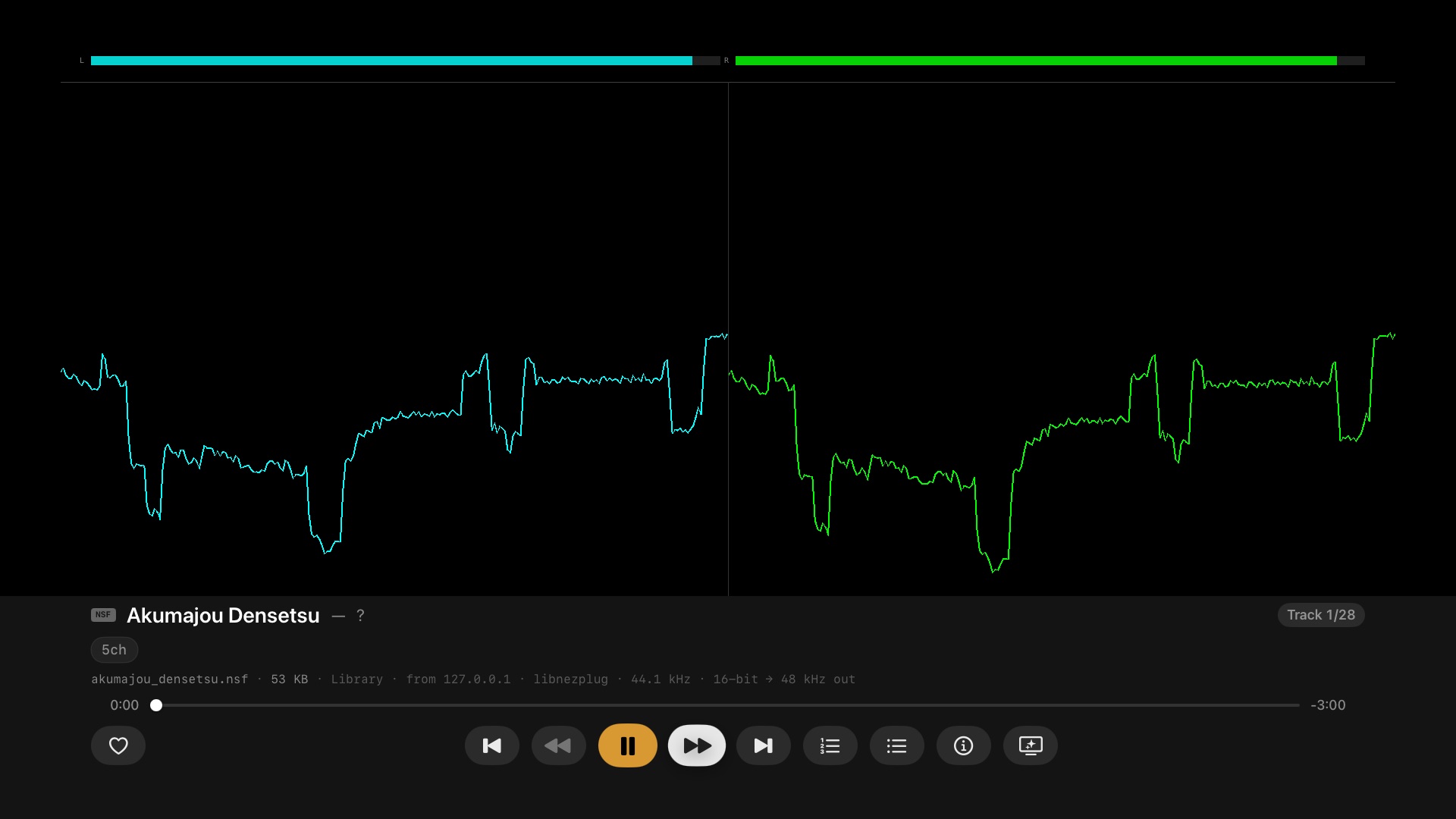
Console and computer rips often hold many songs in one file; this Famicom file has 28, and the extra buttons step through them or open a list. Above the controls: the format and title, the engine that is playing it and the rate it runs at. Seeking works for the formats whose engines allow it; for the rest the bar shows progress only rather than pretending.
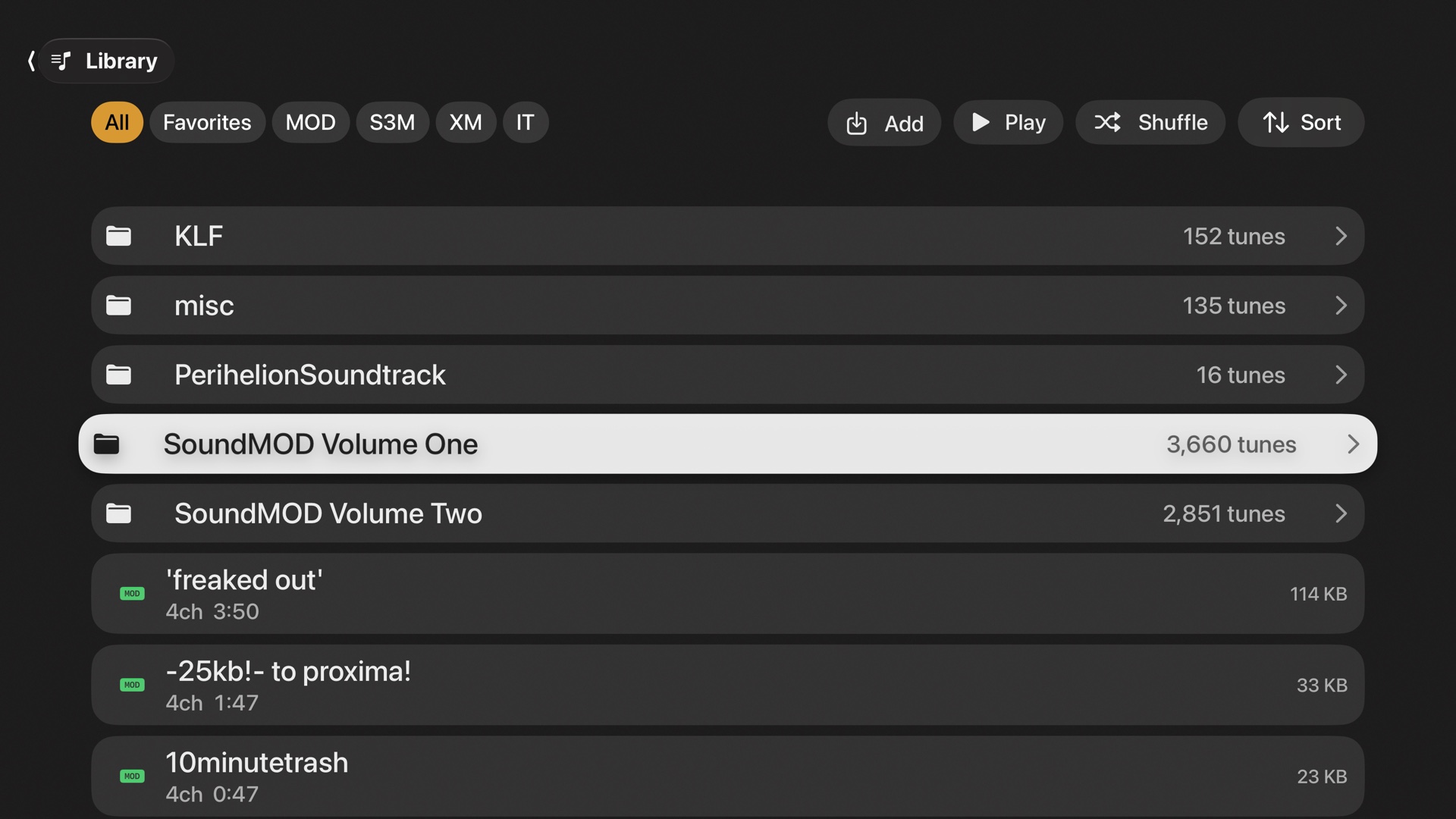
Tunes you send from a computer keep their folders, and each share has a folder of its own. Open one to see its folders first, then its tunes, each with its format, channel count, length and size. Play or Shuffle takes the folder on screen and everything inside it, and the format filters narrow both the list and what plays. tvOS can clear an app's storage whenever it likes, so the library and the tunes you send are kept in your own iCloud as well; a tune from a share is copied again from the share the next time you play it.
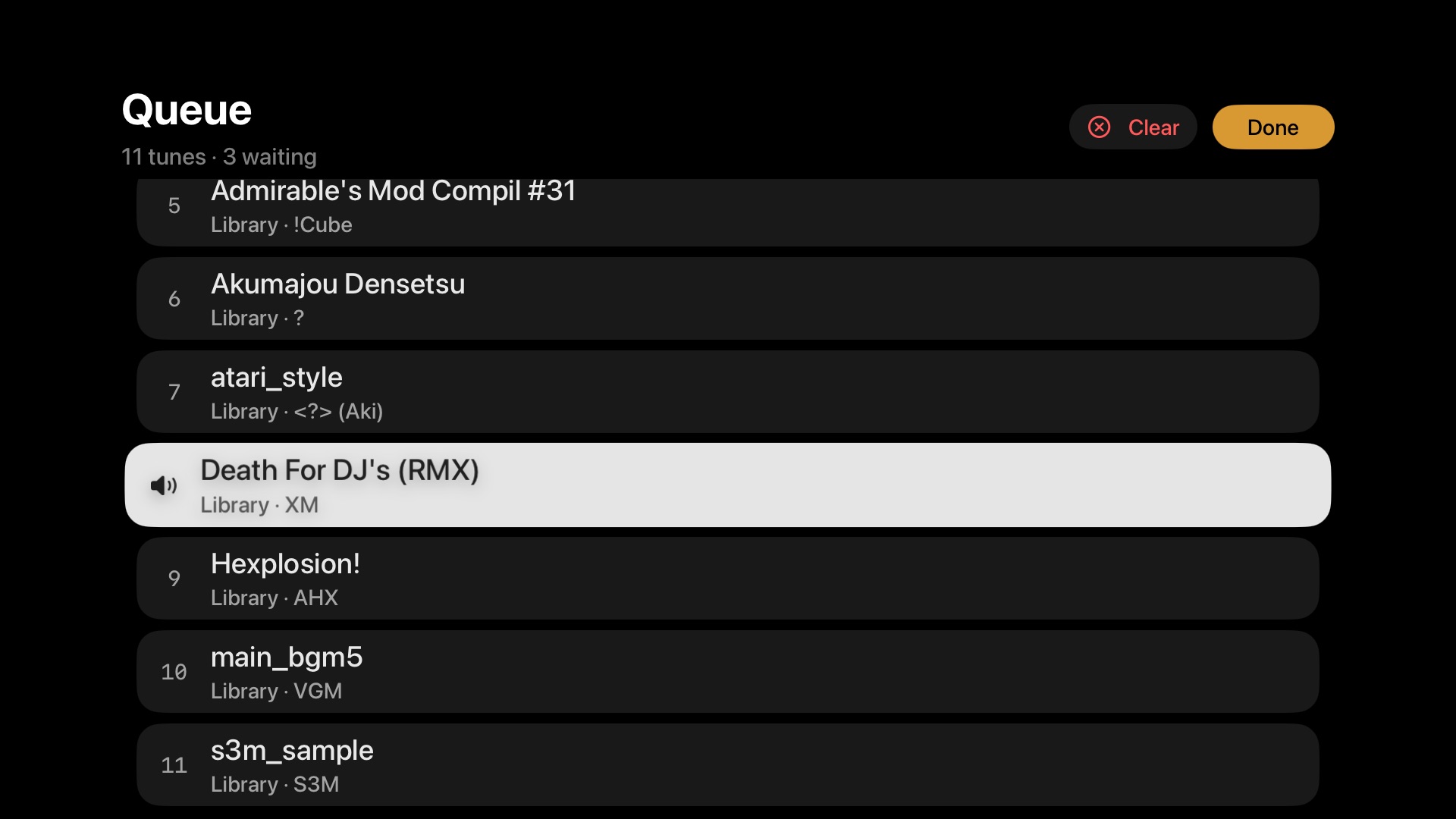
Library tunes and share tunes go into the same queue. Playing a tune replaces it, a playlist replaces it with the playlist, Add to Queue puts a tune at the end and Play Next puts it straight after the one playing. Open the queue from Now Playing to jump to a tune, move it, or take it out.
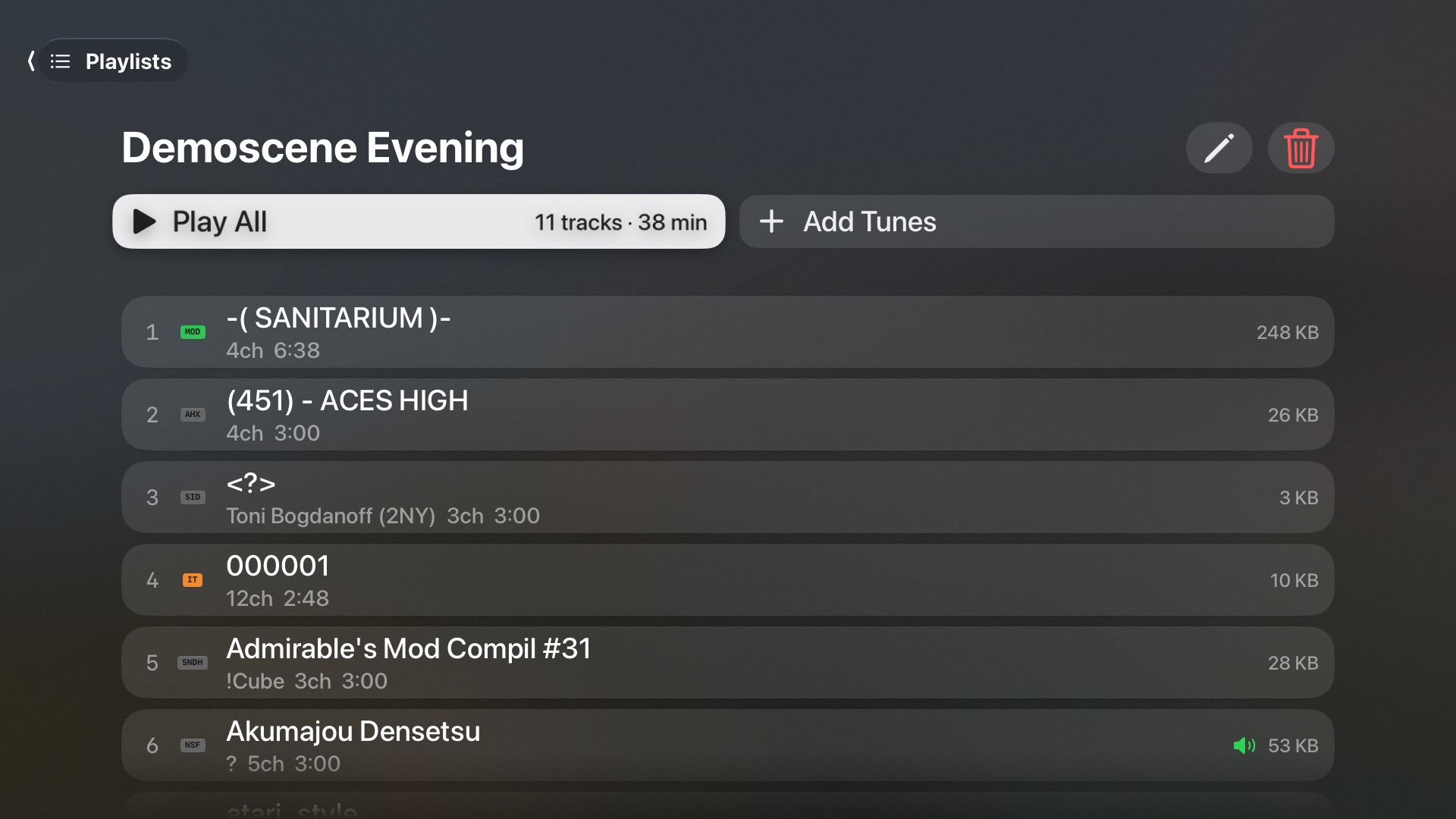
Add Tunes picks from the library or from any saved share, folders and all. A tune taken from a share goes into the playlist without being added to the library, and is removed again when no playlist holds it.
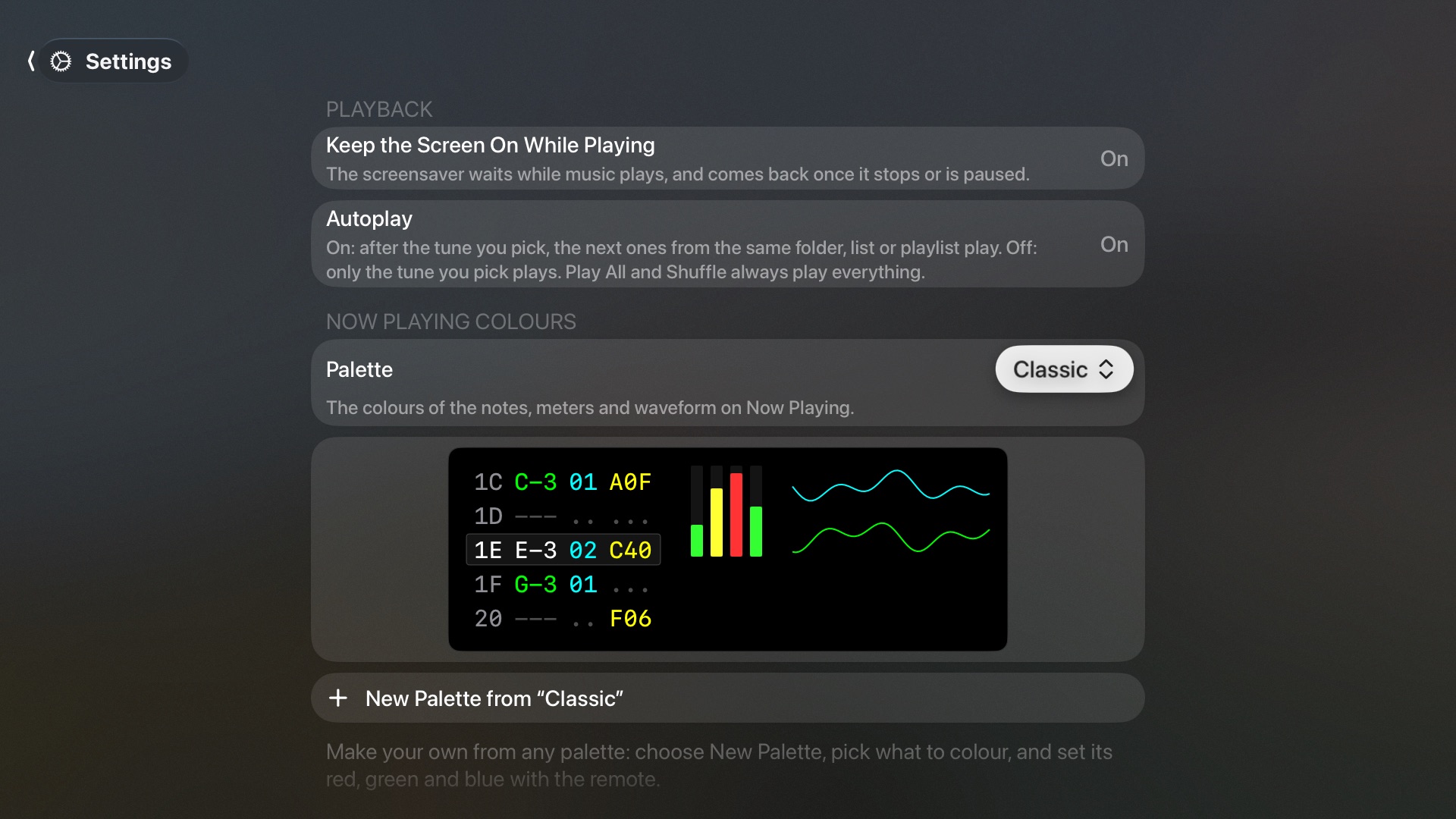
Autoplay decides whether a tune you pick carries on through its folder or list. Further down: the Amiga output filter and stereo separation for tracker modules, the largest download allowed, and the library's storage.
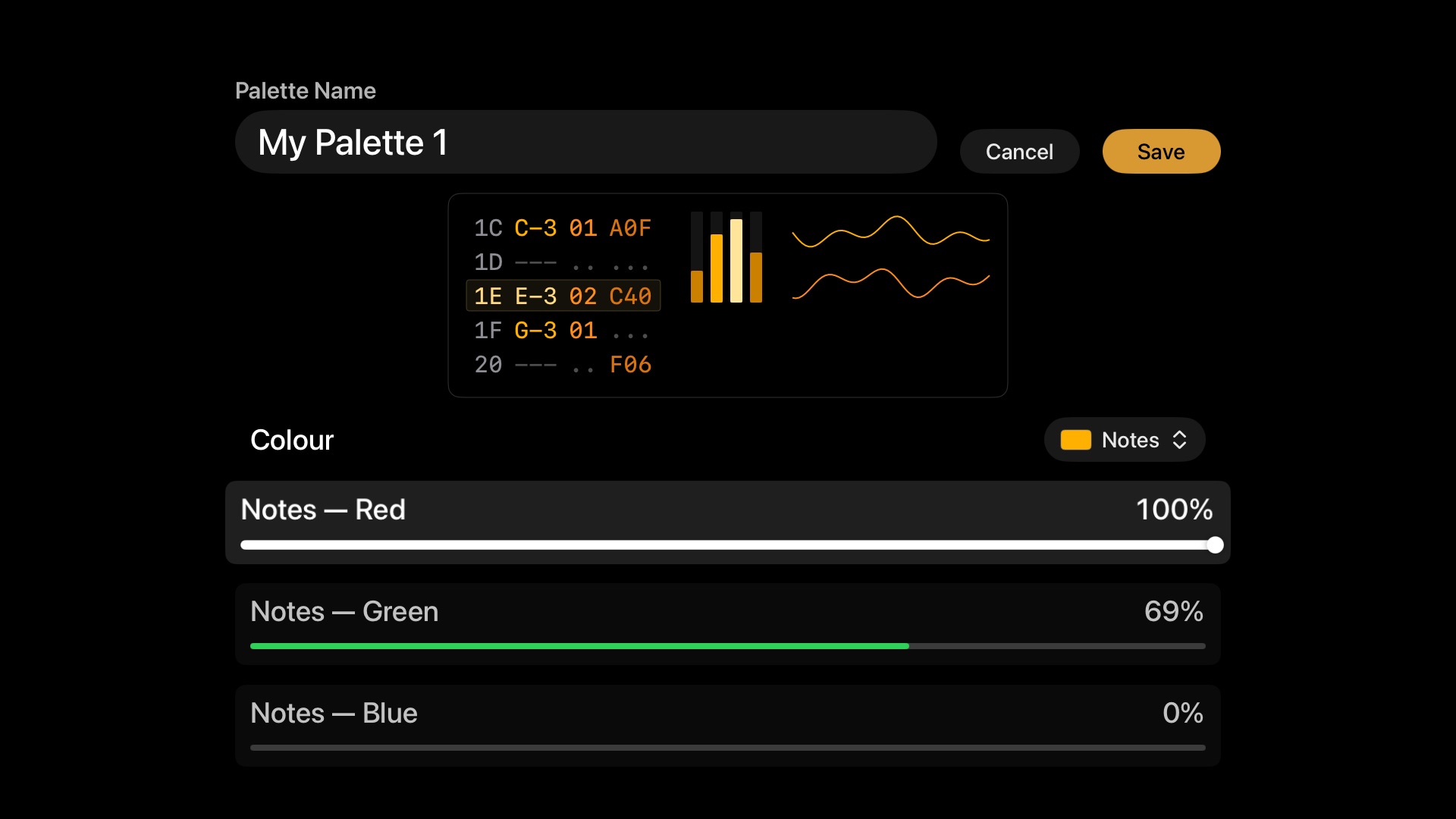
Nine palettes are built in, from Classic to Amber Terminal, C64 and Amiga Workbench. Start a new one from any of them, choose what to color (notes, instruments, effects, the playing row, the meters, each channel's waveform) and set it with the remote.
Screenshots are captured from the app in the tvOS simulator. The tunes shown belong to their composers and are not included with the app.
ModPlayerTV does not come with music and does not download it from the internet. There are two ways to bring your own. Add a network share from a NAS or a computer on your network (SMB, with or without a password) and browse its folders from the Apple TV; play a file where it is, or save it to the library. Or open Library → Add: the Apple TV shows a web address, and a computer or phone on the same network can drop files or whole folders onto that page, straight into the library with their folders kept. Formats that keep their instruments or code in a second file, such as TFMX modules or PlayStation tunes with a library file, find it in the same folder.
The visualizer plays classic MilkDrop presets on the Apple TV's GPU. No presets are included: add your own from a share, or open the page the Apple TV shows on a computer or phone on the same network and drop preset files onto it. Presets can be loved, hidden, searched and shuffled. MilkDrop v2 was converted into a new tvOS compatible version and then compatibility was added for milk2 format presets from MilkDrop 3.
ModPlayerTV is free, and everything in it works without paying. If you would like to thank the developer, Settings → About has an optional tip, handled by Apple. A tip unlocks nothing but comes with sincere gratitude.
ModPlayerTV collects no analytics, identifiers, or tracking, and there is no ModPlayerTV account or server. Your library, playlists, settings and the tunes you send are kept in your own iCloud; share passwords stay in the Apple TV's Keychain. Read the full privacy policy →
Apple TV with tvOS 26 or later, and your own music: on an SMB share on your local network, or sent from a computer or phone on the same network. iCloud is optional; without it the library stays on the Apple TV, where tvOS may clear it. The MilkDrop visualization engine can be resource intensive. An older Apple TV may struggle to produce high resolution rendering of some heavier presets. The engine does its best to adjust to the CPU and GPU load and reduce heat soak of the device. The render resolution of each preset is adjusted accordingly.
ModPlayerTV uses open-source playback engines; their licences are listed in the app under Settings → About. Apple TV, Siri and iCloud are trademarks of Apple Inc.